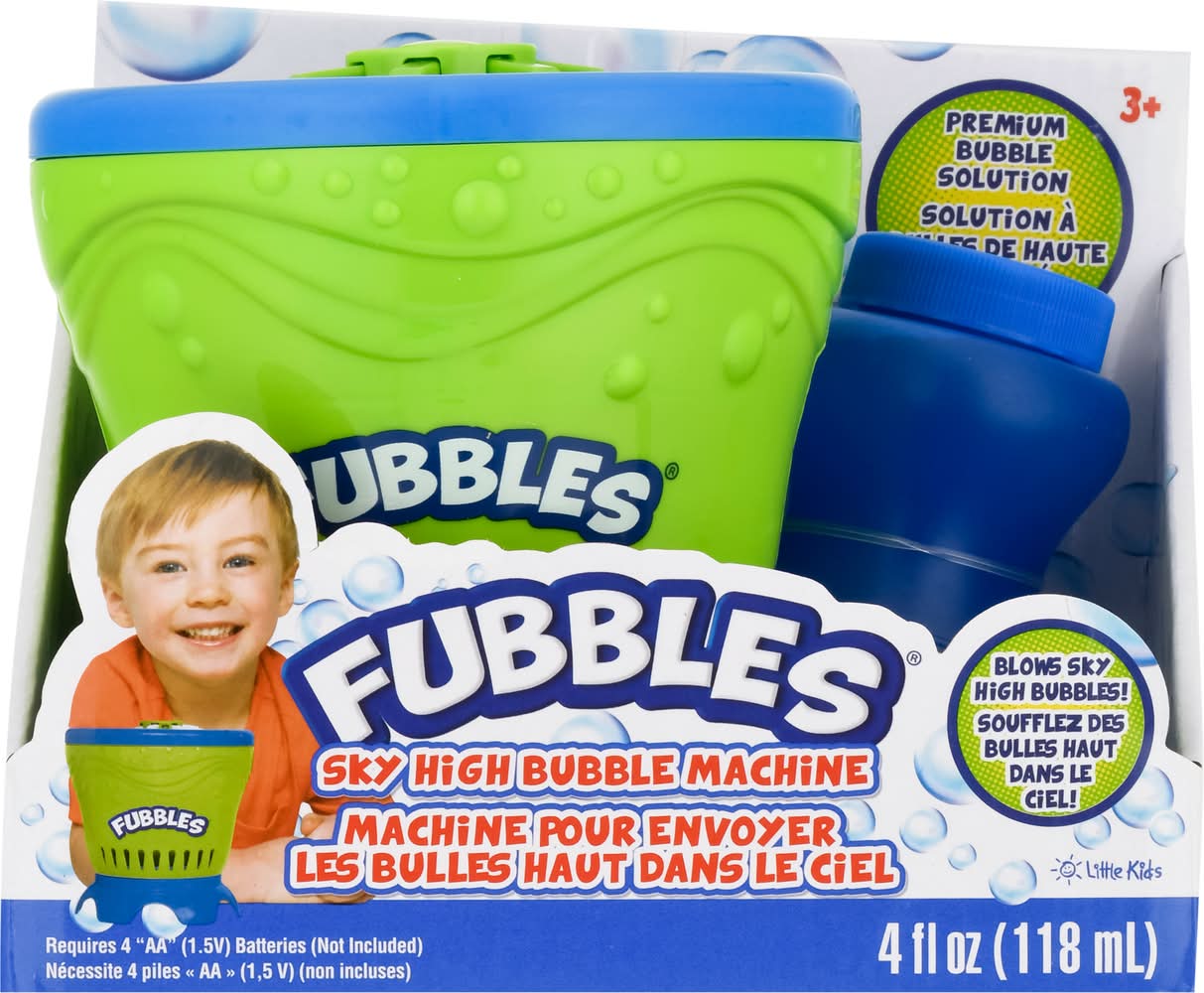
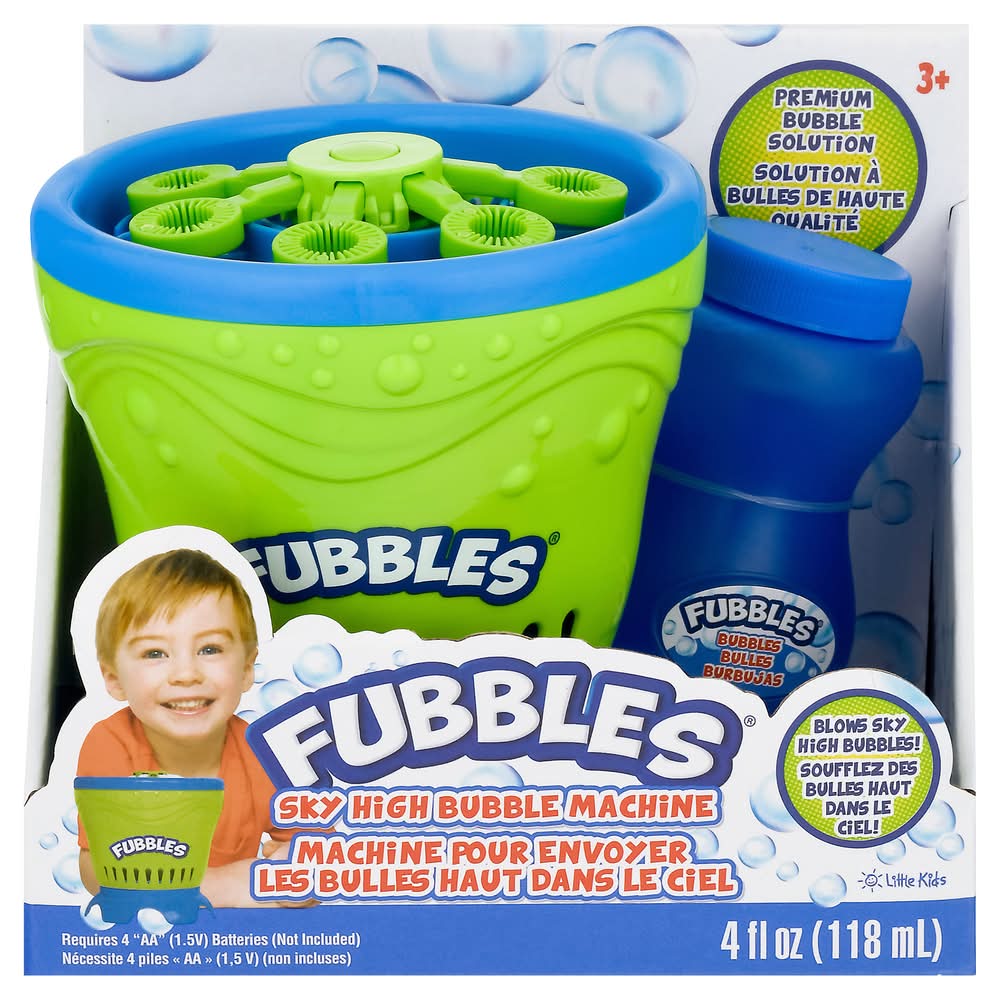
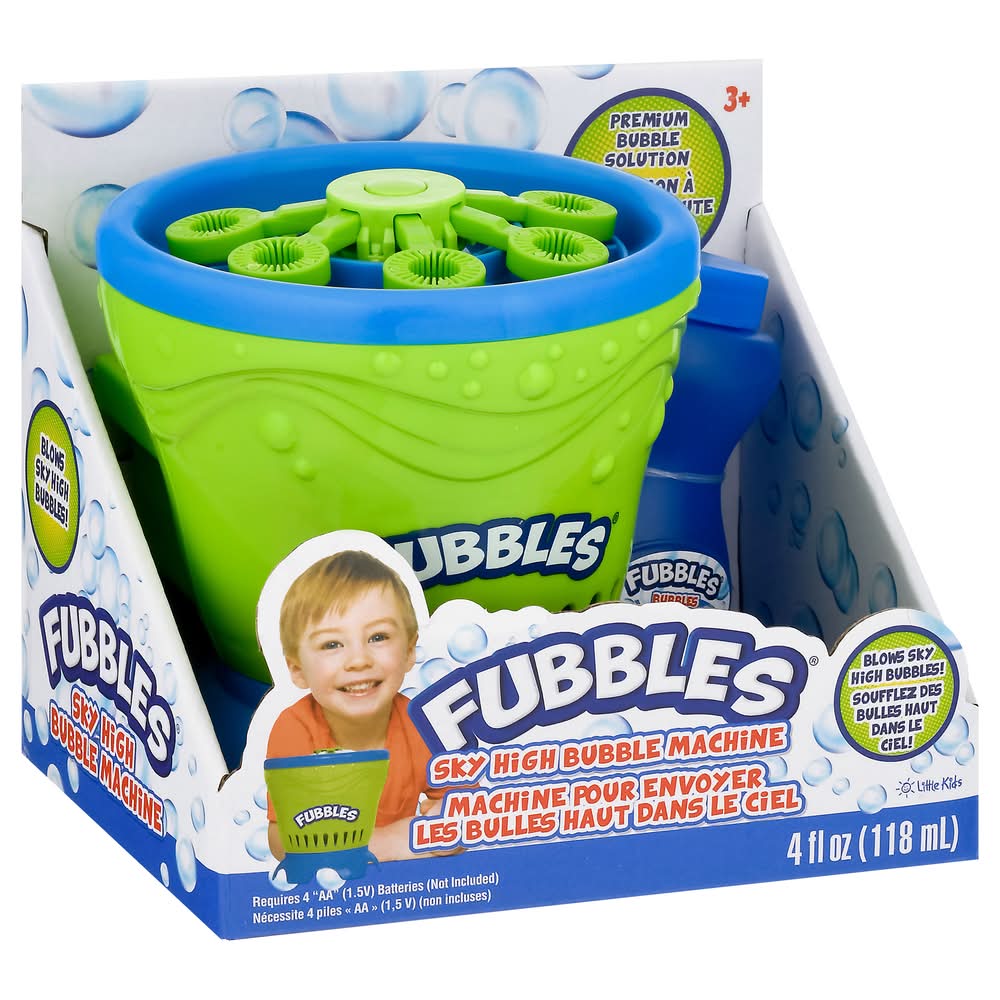
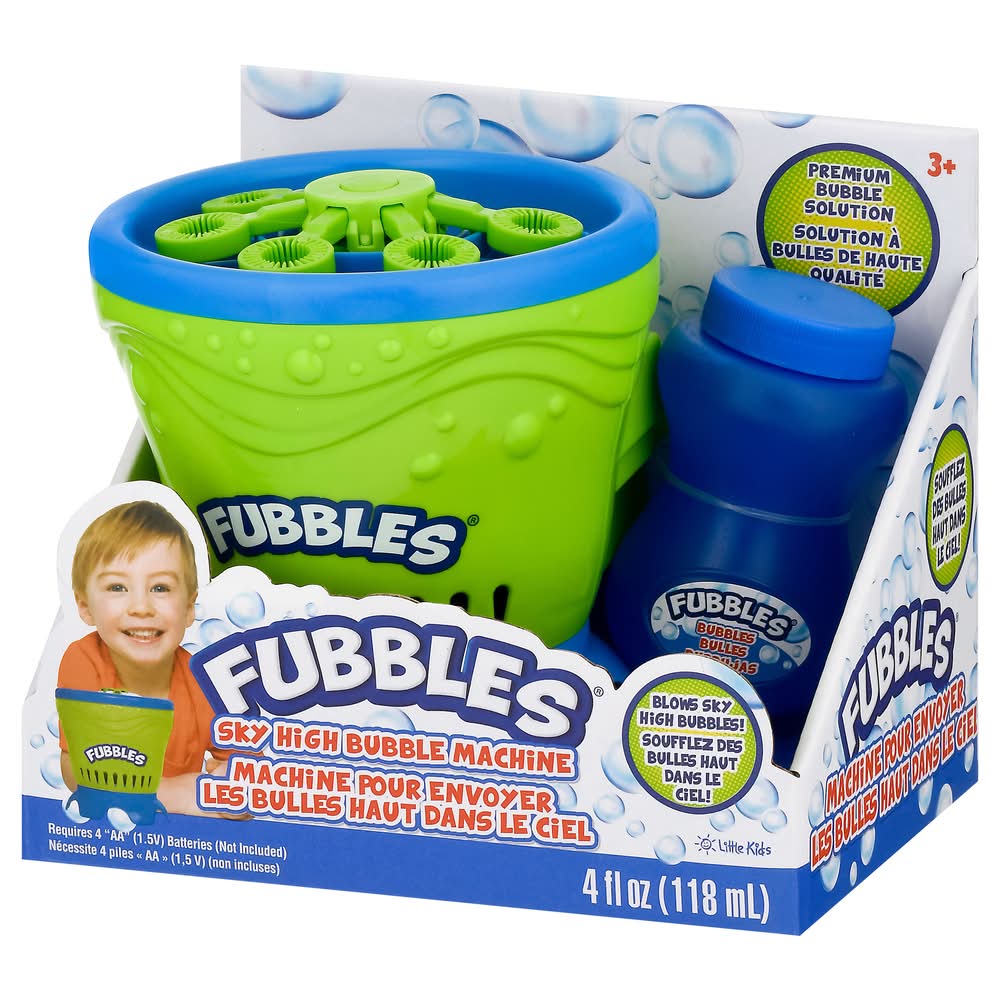
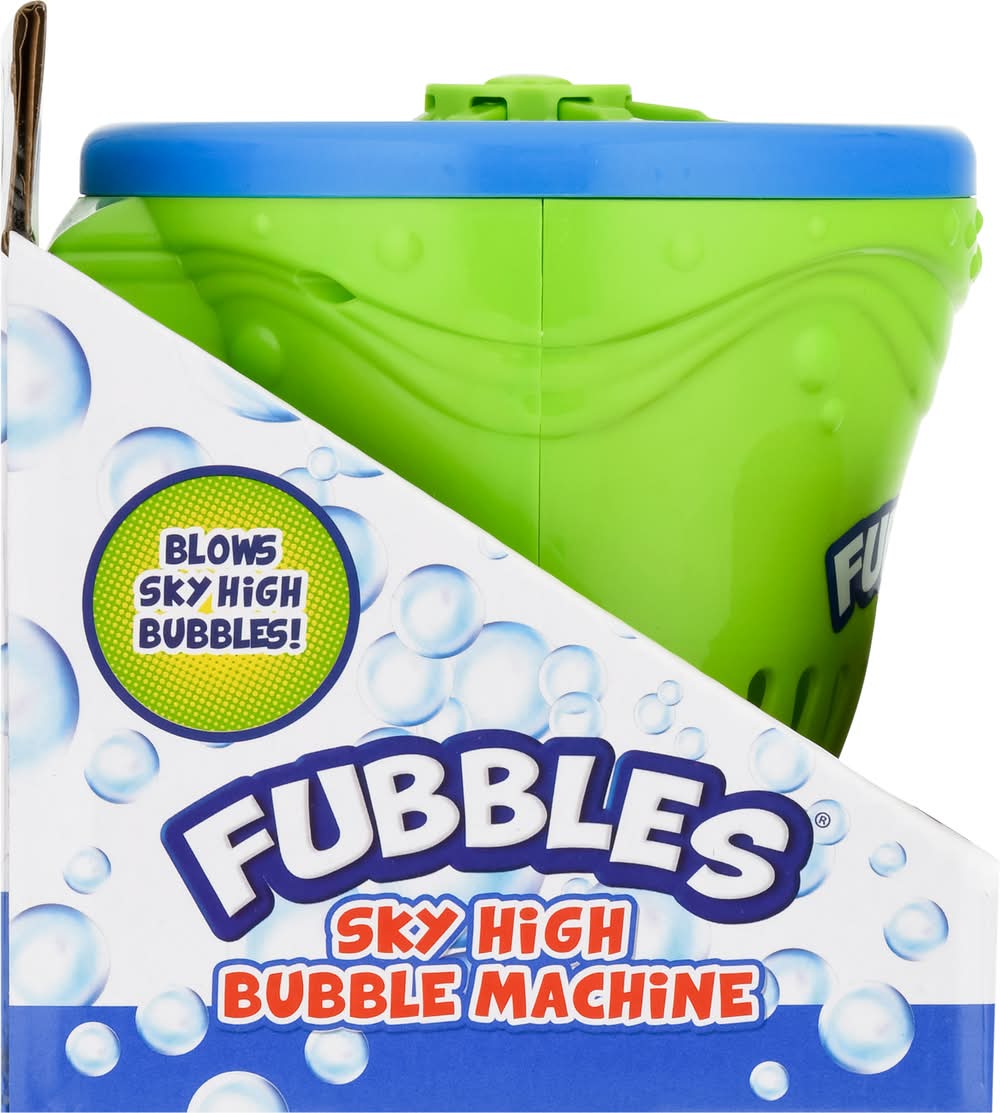
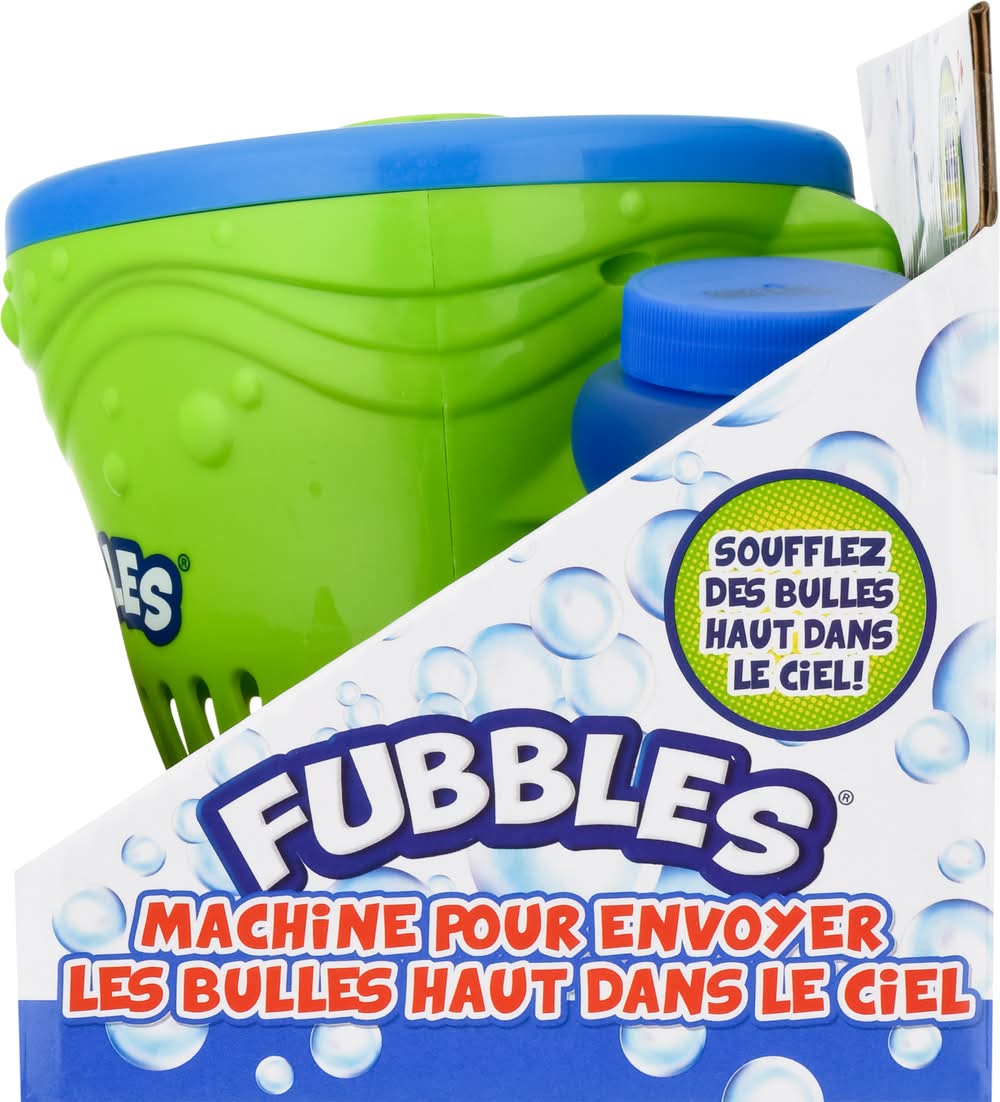
Fubbles Bubble Machine
Bubble Machine, Sky High Little Kids, Inc.,
Contains: None Additives: None
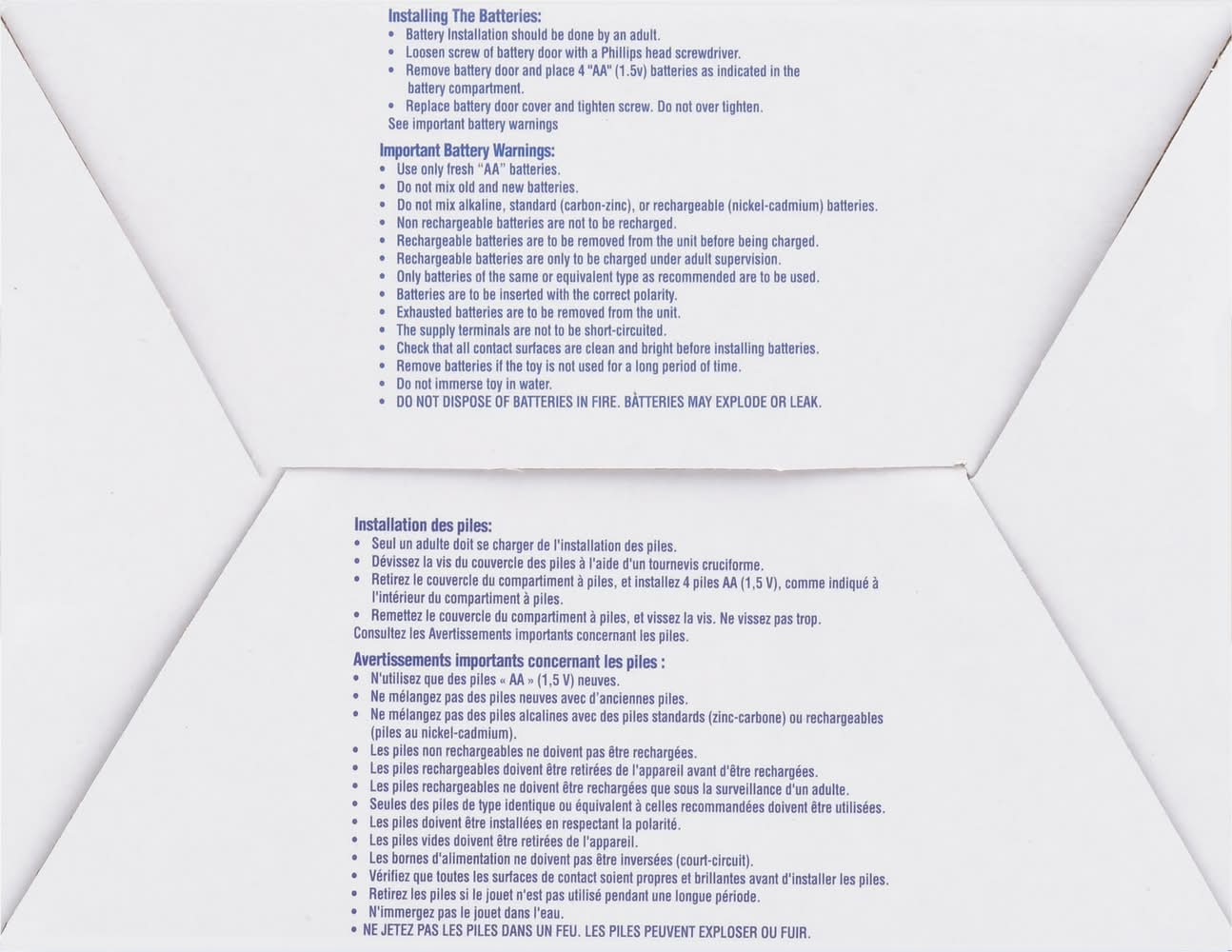
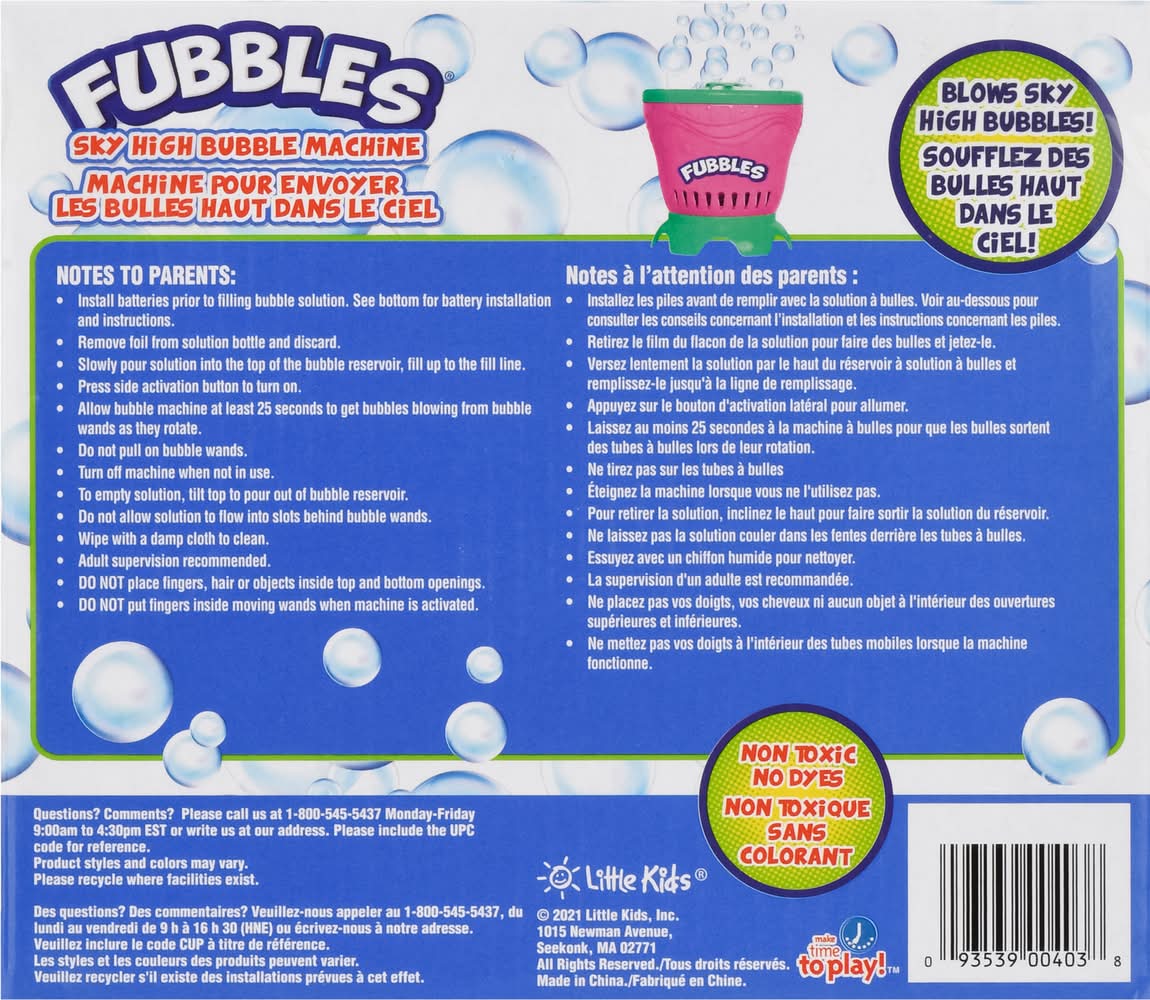
Usage of instructions:Notes to parents: Install batteries prior to filling bubble solution. See bottom for battery installation and instructions. Remove foil from solution bottle and discard. Slowly pour solution into the top of the bubble reservoir, fill up to the fill line. Press side activation button to turn on. Allow bubble machine at least 25 seconds to gel bubbles blowing from bubble wands as they rotate. Do not pull on bubble wands. Turn off machine when not in use. To empty solution, tilt lop to pour out of bubble reservoir. Do not allow solution to flow into slots behind bubble wands. Wipe with a damp cloth to clean. Adult supervision recommended. Do not place fingers, hair or objects inside top and bottom openings. Do not put fingers inside moving wands when machine is activated. Installing the batteries: Battery installation should be done by an adult. Loosen screw of battery door with a Phillips head screwdriver. Remove battery door and place 4 AA (1.5v) batteries as indicated in the battery compartment. Replace battery door cover and tighten screw. Do not over tighten. See important battery warnings. - Directions: Notes to parents: Install batteries prior to filling bubble solution. See bottom for battery installation and instructions. Remove foil from solution bottle and discard. Slowly pour solution into the top of the bubble reservoir, fill up to the fill line. Press side activation button to turn on. Allow bubble machine at least 25 seconds to gel bubbles blowing from bubble wands as they rotate. Do not pull on bubble wands. Turn off machine when not in use. To empty solution, tilt lop to pour out of bubble reservoir. Do not allow solution to flow into slots behind bubble wands. Wipe with a damp cloth to clean. Adult supervision recommended. Do not place fingers, hair or objects inside top and bottom openings. Do not put fingers inside moving wands when machine is activated. Installing the batteries: Battery installation should be done by an adult. Loosen screw of battery door with a Phillips head screwdriver. Remove battery door and place 4 AA (1.5v) batteries as indicated in the battery compartment. Replace battery door cover and tighten screw. Do not over tighten. See important battery warnings.
Stores near you
ALDI
 ALDI68 min
Dollar General
 Dollar General 37 min
Xmas Trees
 Xmas Trees49 min
Pet Supplies Plus
 Pet Supplies Plus40 min
Family Dollar
 $12 offFamily Dollar37 min
The Vitamin Shoppe
 The Vitamin Shoppe31 min
Dick's Sporting Goods
 Dick's Sporting Goods50 min
Speedway
 $5 offSpeedway27 min
Why Uber Eats?
Fast, convenient delivery
Get groceries delivered when you need them.
Chosen with care
Experienced shoppers select just what you’re looking for.
Order with confidence
Review replacements for out-of-stock items in real time.
Life doesn’t happen on a schedule, we’re making it possible to place orders from grocery stores on Uber Eats whether or not they’re open—with delivery in the first available window or scheduled at your convenience.
We’ve invested in technology to give users peace of mind—introducing improved support for shoppers in-store and live order tracking for consumers to follow the shopping experience every step of the way. Now as each item is scanned and added to your cart for checkout, your order is paid and on its way… you’ll know.
You know what you want, and how you want it. Now, so do we. If for any reason an item is low in stock, we’re making product replacements effortless, and we’ve made shopping more intuitive—including items sold by weight.
With grocery items now available from Uber in 33 countries—the shopping experience on Uber Eats is about to get better than ever. By investing in strong grocery partnerships and building features that consumers, merchants and shoppers are looking for, we’re bringing the whole world one step closer to truly getting anything delivered to their doorsteps.
Frequently asked questions
Can I order Fubbles Bubble Machine with Uber Eats?
Uber Eats is available in hundreds of cities around the world. Enter your delivery address to shop for Fubbles Bubble Machine delivery near you.
How do I order Fubbles Bubble Machine near me?
To discover the stores near you that offer Fubbles Bubble Machine on Uber Eats, start by entering your delivery address. Next, you can browse your options and find a place from which to order Fubbles Bubble Machine online.
Can I order Fubbles Bubble Machine from anywhere in my city?
Your Fubbles Bubble Machine delivery options may vary depending on where you are in a city. Enter your address to browse Fubbles Bubble Machine delivery options near you.
Is pickup available?
In some cities you can opt to place a pickup order. See step-by-step directions here on how to place a non-delivery order.
How late can I get my order delivered?
View a store’s business hours to see if it will be open late or around the time you’d like to order Fubbles Bubble Machine.