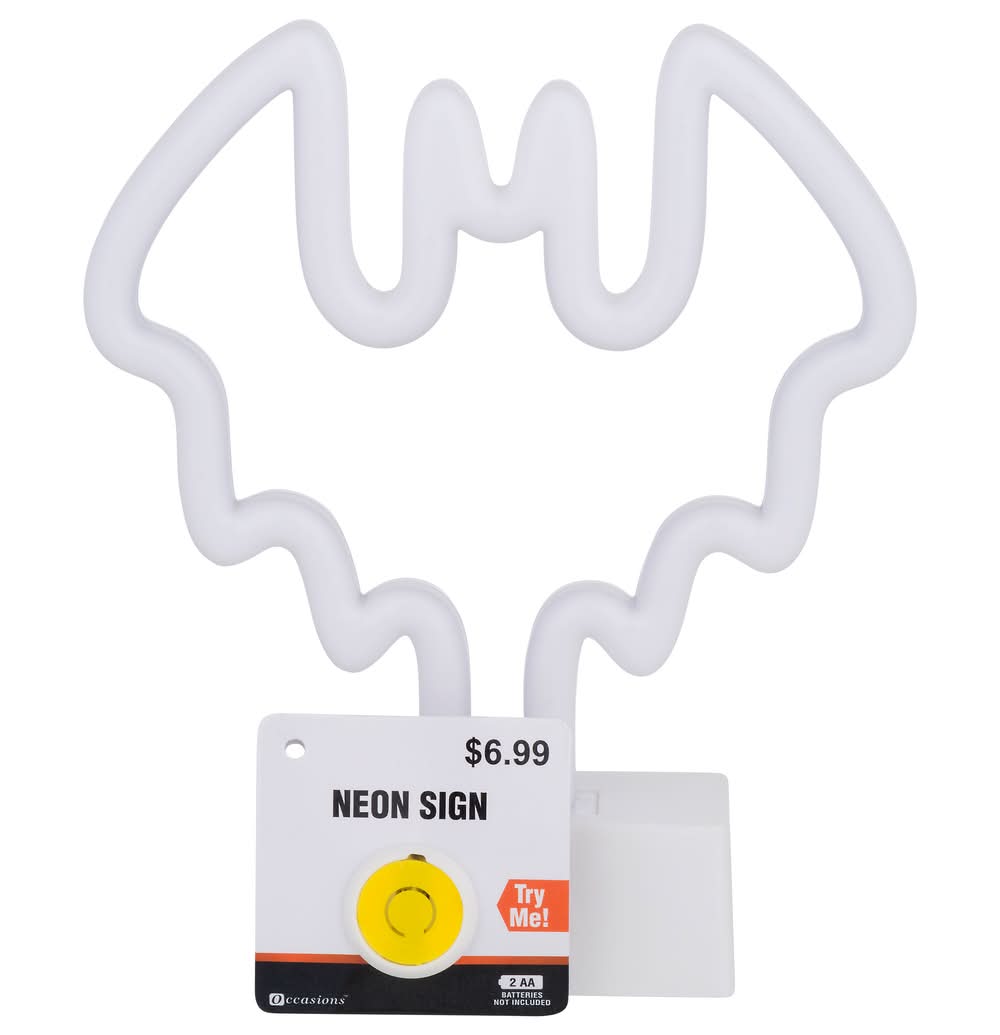
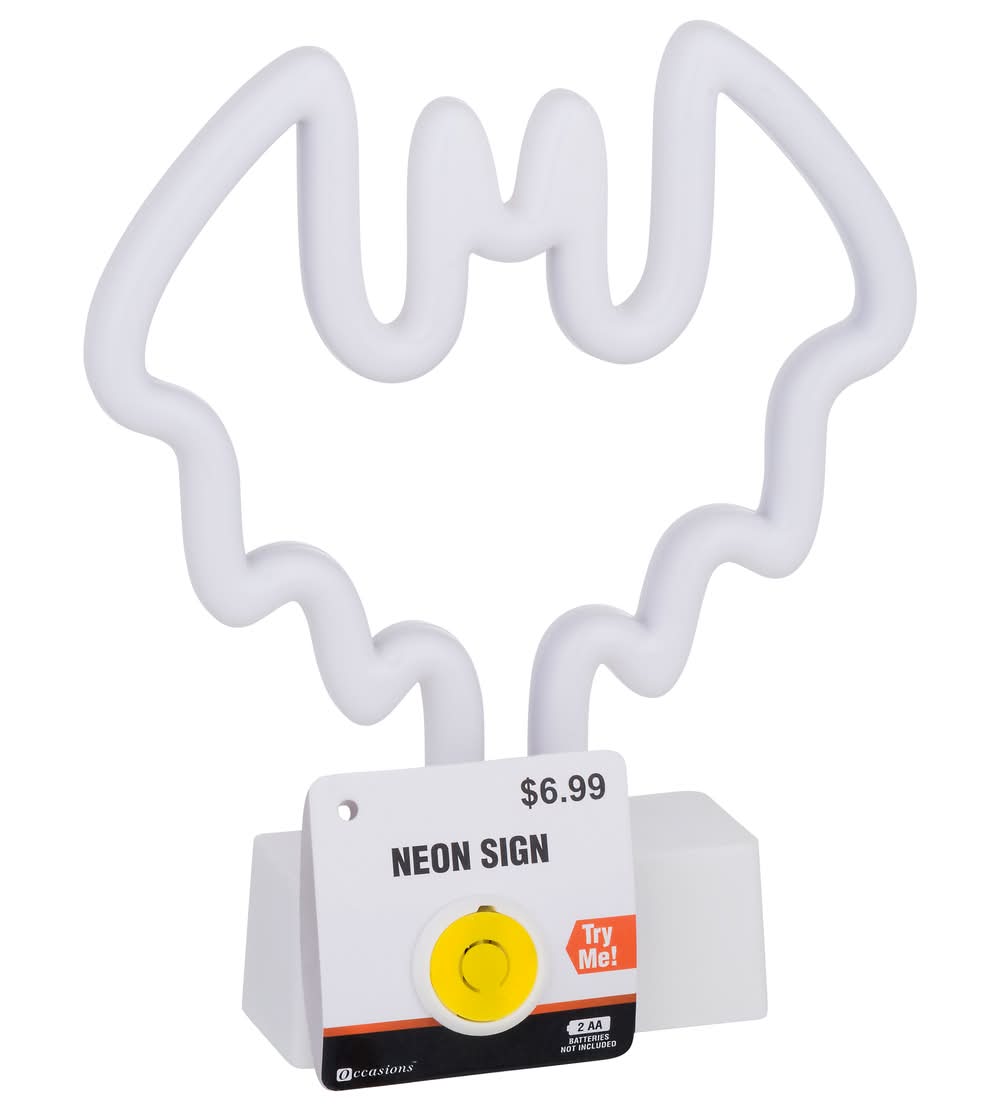
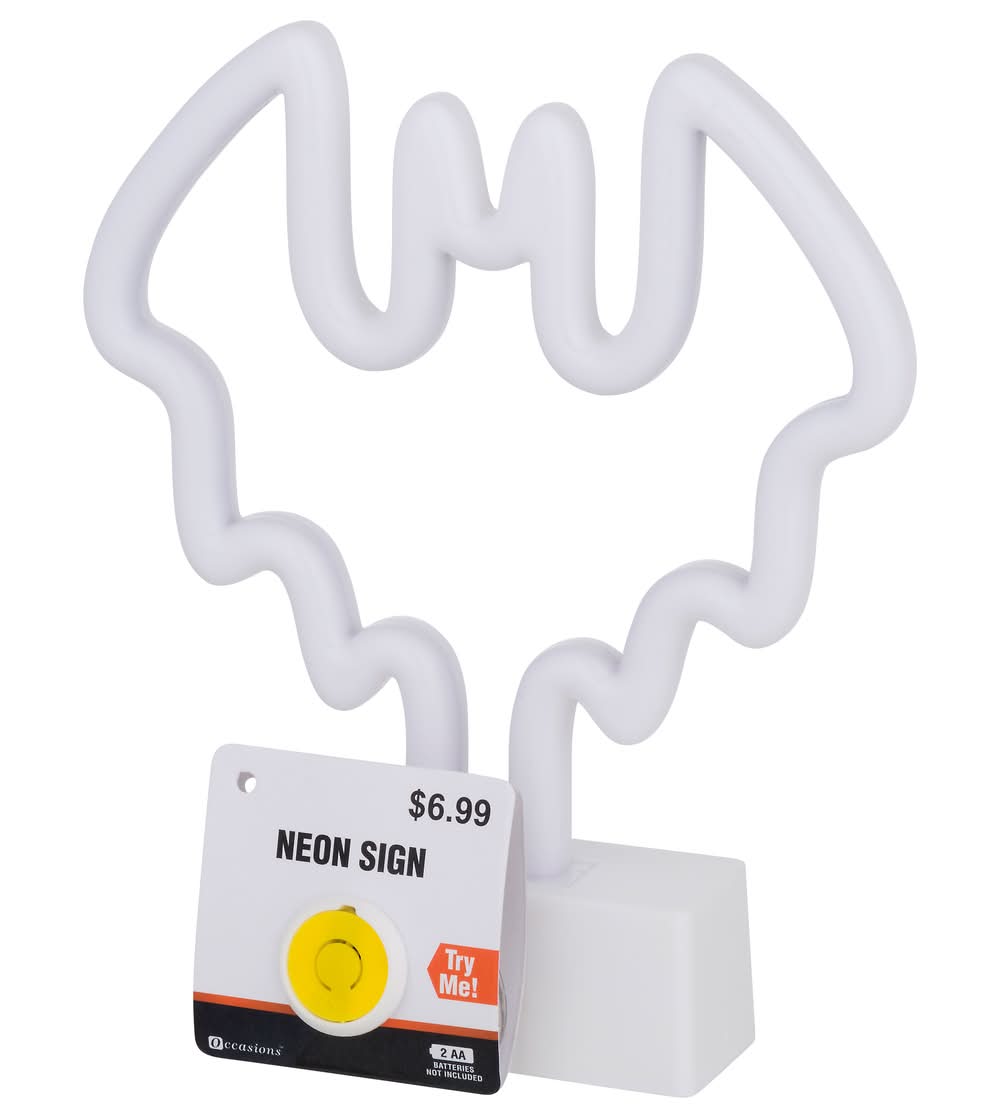
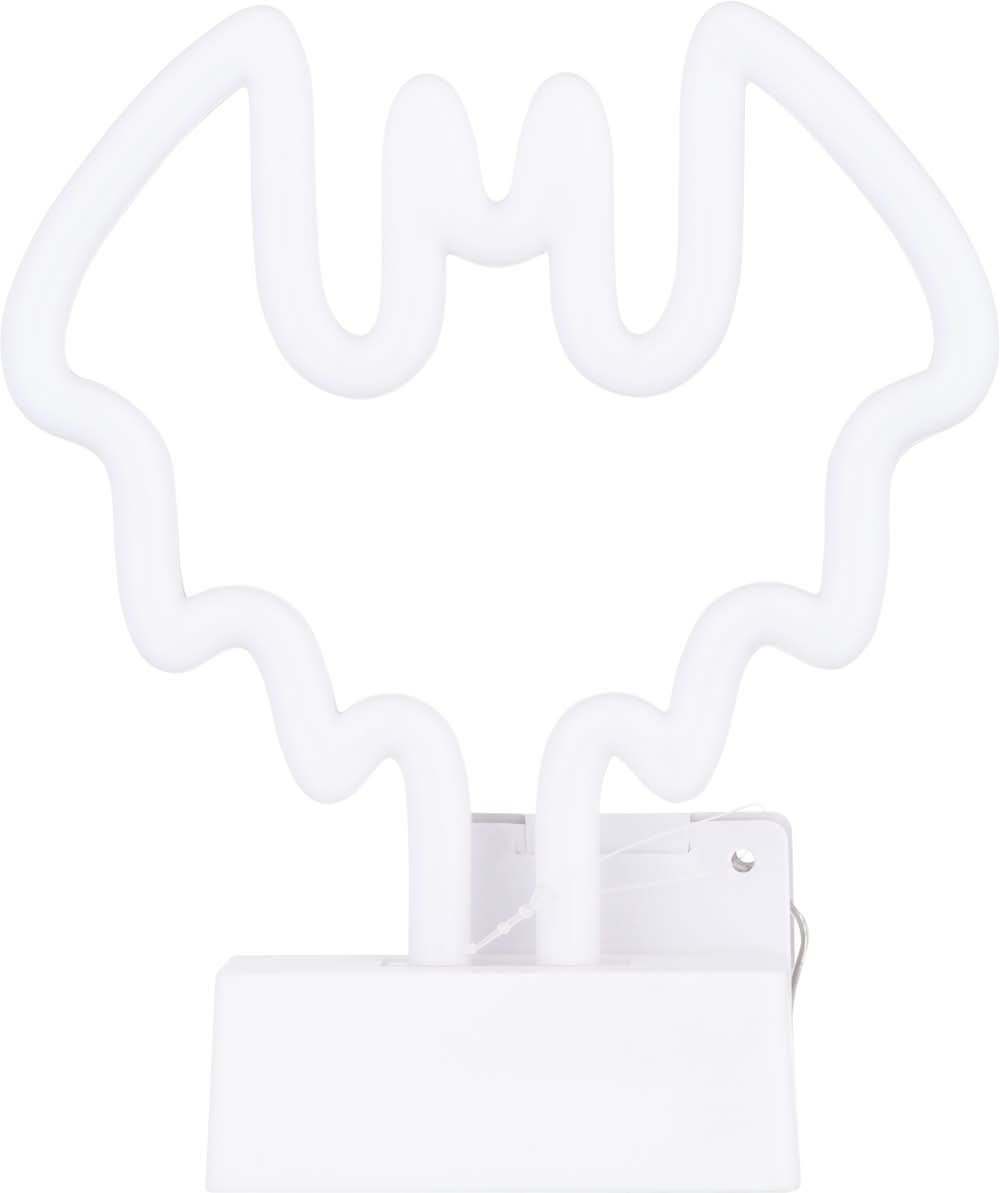
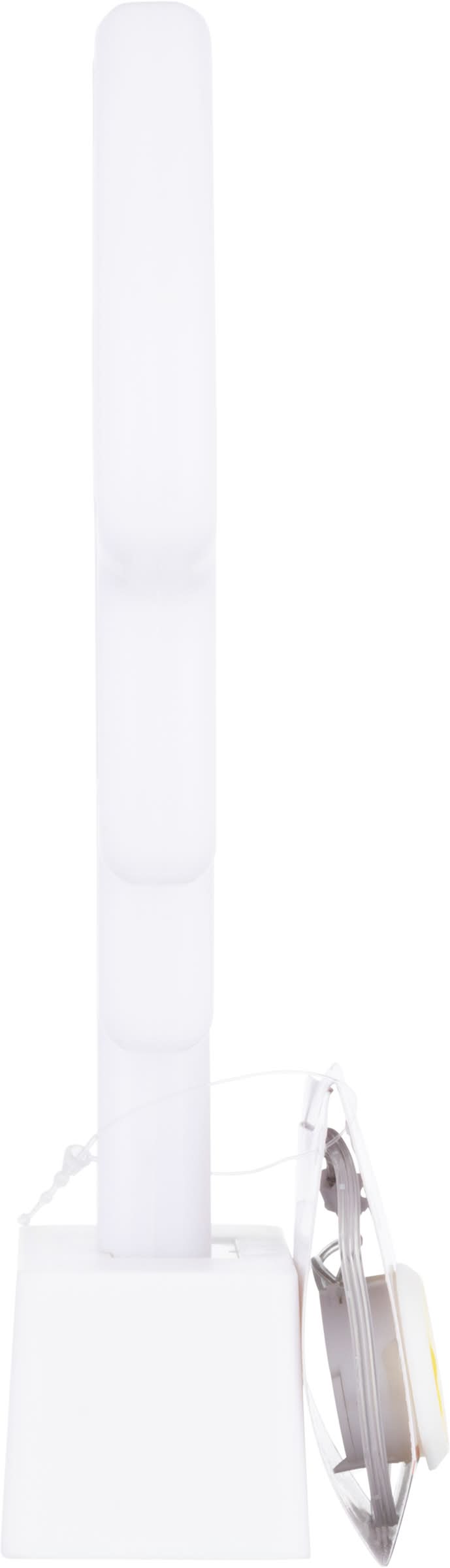
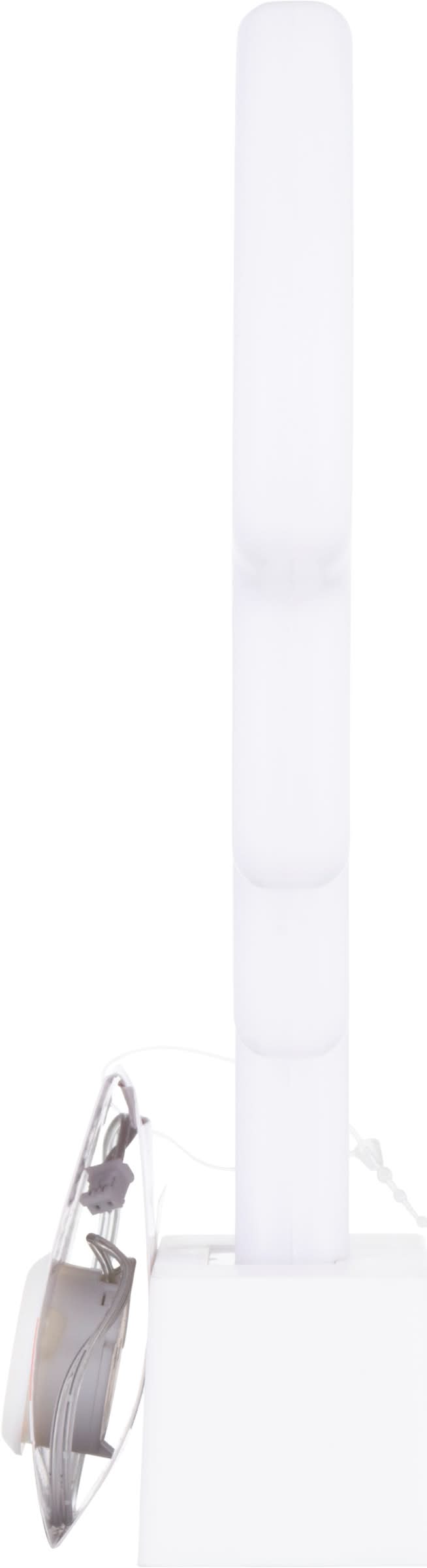
Occasions Neon Sign Light, White
Neon Sign Occasions,
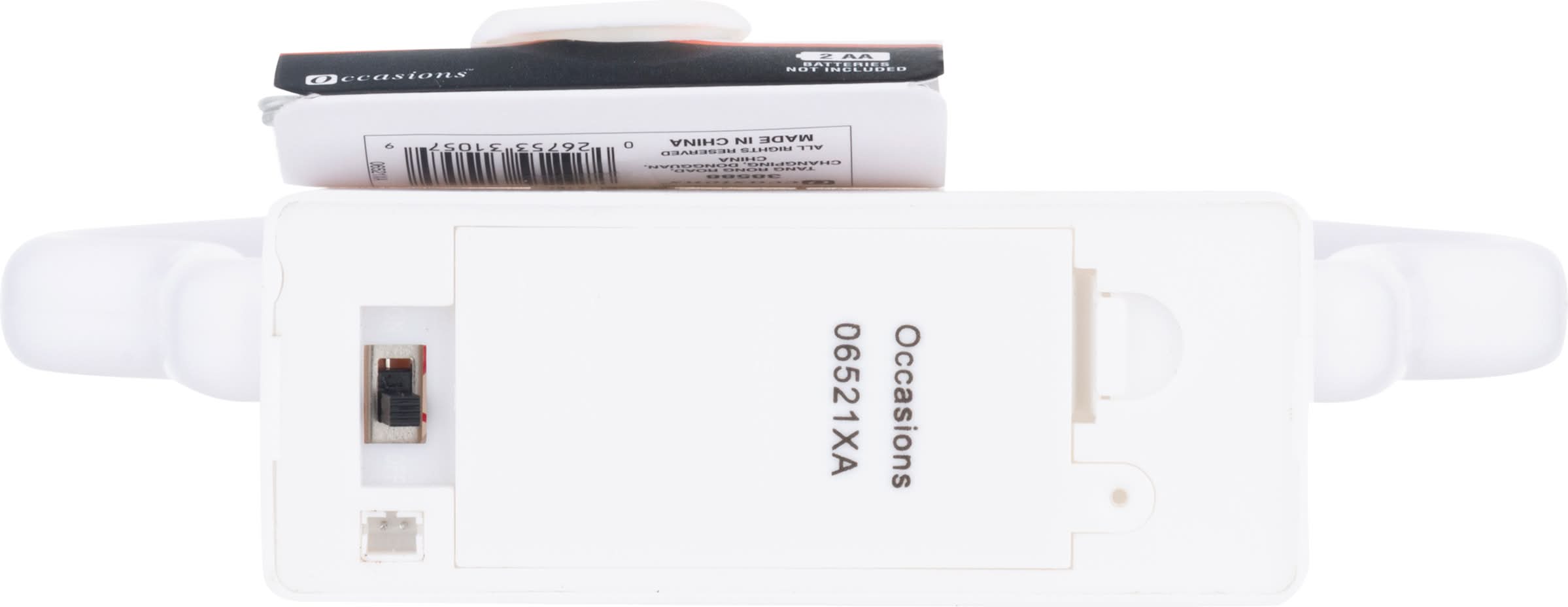
Battery Usage: (1) Do not mix old and new batteries. (2) Do not mix alkaline, standard (carbon-zinc), or rechargeable batteries. (3) Exhausted batteries are to be removed from the product. (4) Dispose of exhausted batteries with care. Operating Instructions: (1) Remove the product from the package. (2) Remove try me cable by unplugging the wire from the bottom. (3) Slide switch to the ON position. Battery Replacement: (1) Remove the battery compartment cover. (2) Install 2 x AA (1.51 V) batteries to the battery compartment with correct polarity as indicated (see diagram). (3) Replace cover. - Directions: Battery Usage: (1) Do not mix old and new batteries. (2) Do not mix alkaline, standard (carbon-zinc), or rechargeable batteries. (3) Exhausted batteries are to be removed from the product. (4) Dispose of exhausted batteries with care. Operating Instructions: (1) Remove the product from the package. (2) Remove try me cable by unplugging the wire from the bottom. (3) Slide switch to the ON position. Battery Replacement: (1) Remove the battery compartment cover. (2) Install 2 x AA (1.51 V) batteries to the battery compartment with correct polarity as indicated (see diagram). (3) Replace cover.
Stores near you
ALDI
 ALDI9:00 AM
Dollar General
 Dollar General 48 min
Speedway
 $5 offSpeedway36 min
Gopuff
 Gopuff20 min
Target
 Target70 min
Market District
 Market District70 min
Giant Eagle
 Giant Eagle71 min
Fresh & Ready From Kroger
 Fresh & Ready From Kroger44 min
Why Uber Eats?
Fast, convenient delivery
Get groceries delivered when you need them.
Chosen with care
Experienced shoppers select just what you’re looking for.
Order with confidence
Review replacements for out-of-stock items in real time.
Life doesn’t happen on a schedule, we’re making it possible to place orders from grocery stores on Uber Eats whether or not they’re open—with delivery in the first available window or scheduled at your convenience.
We’ve invested in technology to give users peace of mind—introducing improved support for shoppers in-store and live order tracking for consumers to follow the shopping experience every step of the way. Now as each item is scanned and added to your cart for checkout, your order is paid and on its way… you’ll know.
You know what you want, and how you want it. Now, so do we. If for any reason an item is low in stock, we’re making product replacements effortless, and we’ve made shopping more intuitive—including items sold by weight.
With grocery items now available from Uber in 33 countries—the shopping experience on Uber Eats is about to get better than ever. By investing in strong grocery partnerships and building features that consumers, merchants and shoppers are looking for, we’re bringing the whole world one step closer to truly getting anything delivered to their doorsteps.
Frequently asked questions
Can I order Occasions Neon Sign Light with Uber Eats?
Uber Eats is available in hundreds of cities around the world. Enter your delivery address to shop for Occasions Neon Sign Light delivery near you.
How do I order Occasions Neon Sign Light near me?
To discover the stores near you that offer Occasions Neon Sign Light on Uber Eats, start by entering your delivery address. Next, you can browse your options and find a place from which to order Occasions Neon Sign Light online.
Can I order Occasions Neon Sign Light from anywhere in my city?
Your Occasions Neon Sign Light delivery options may vary depending on where you are in a city. Enter your address to browse Occasions Neon Sign Light delivery options near you.
Is pickup available?
In some cities you can opt to place a pickup order. See step-by-step directions here on how to place a non-delivery order.
How late can I get my order delivered?
View a store’s business hours to see if it will be open late or around the time you’d like to order Occasions Neon Sign Light.